Numbers first.
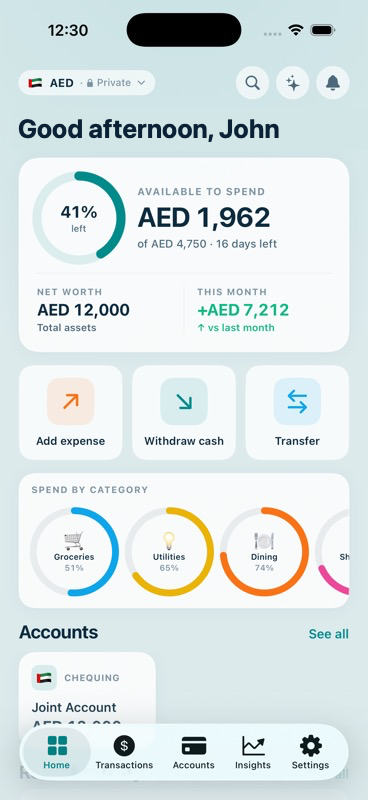
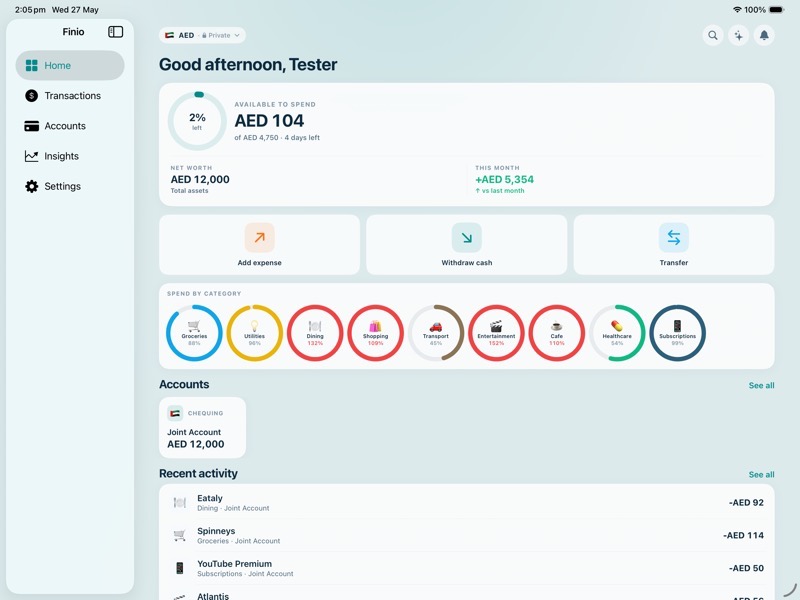
Every screen leads with a number — what you have, what you spent, what’s left this cycle. The figures are the interface.
Available · Net worth · Budget
KupsStudios · Products · Finio
A personal-finance app for the way you actually spend. Multi-currency by design, multi-account by default, household-aware. Built to make tracking easier — not louder.
Home
How Finio works
Every screen leads with a number — what you have, what you spent, what’s left this cycle. The figures are the interface.
Available · Net worth · Budget
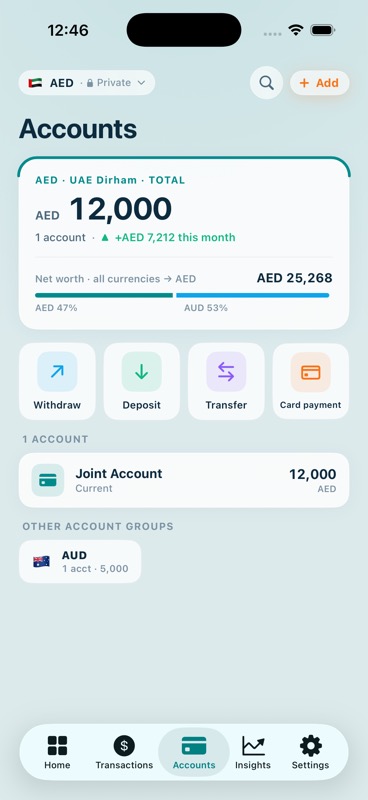
Up to three currency groups, each with its own accounts and budget. Switch the display currency and the whole app re-totals — every currency you hold, in one net worth.
Currency groups · Live FX · Per-account
Keep your own books. Share the household ones. iCloud sync, no shared passwords — each partner sees their private data plus the joint pool.
Household sync · Per-expense scope
A look around
Design moments
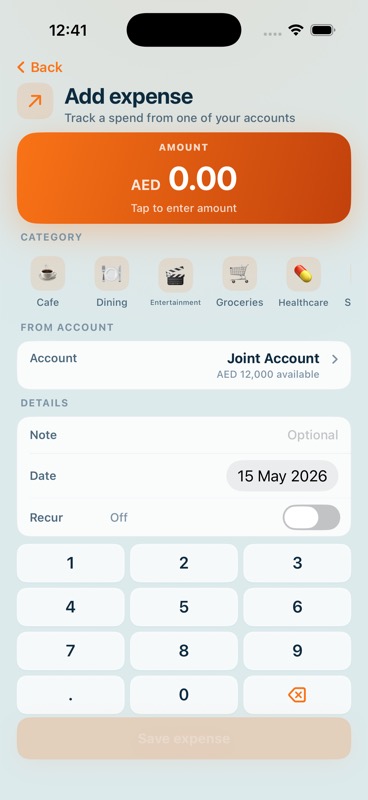
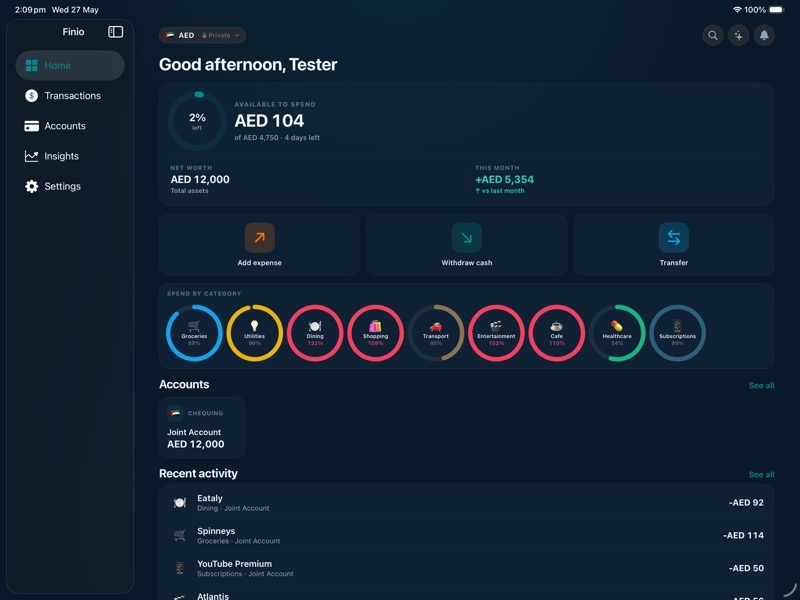
Add an expense, withdraw, or transfer right from the home screen — the thing you do most is never more than a tap away.
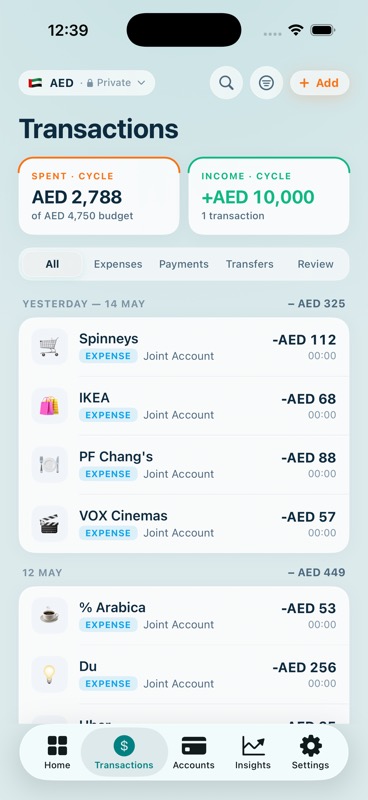
Apple Pay logs itself when you tap. Bank SMS gets parsed on your phone — the message body never leaves it. Anything uncertain is flagged for you to review.
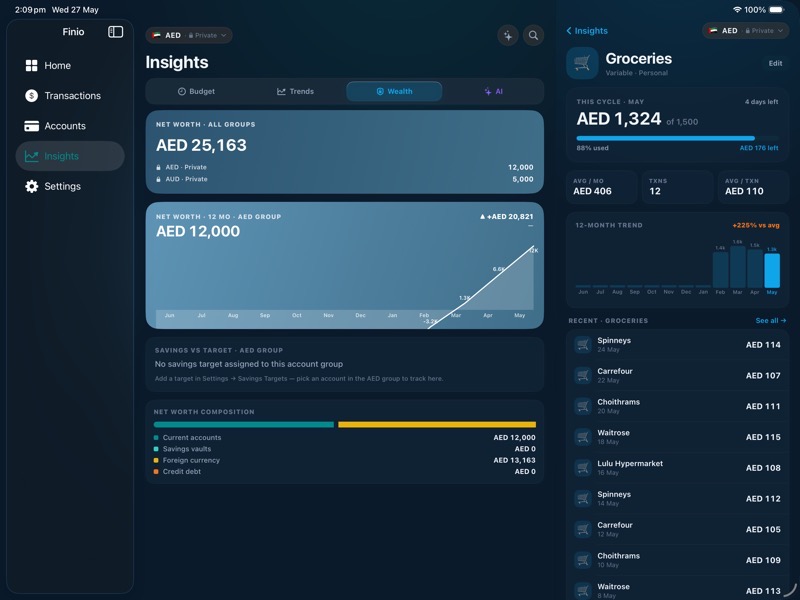
Accounts group by currency; the pill sets your display currency and the whole app re-totals — all your currencies into one net worth.
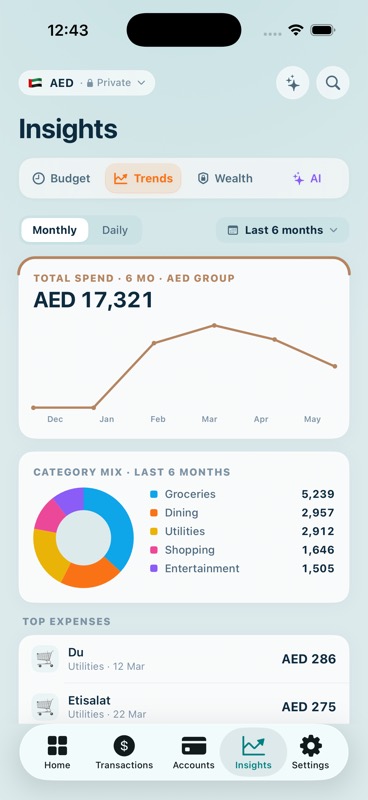
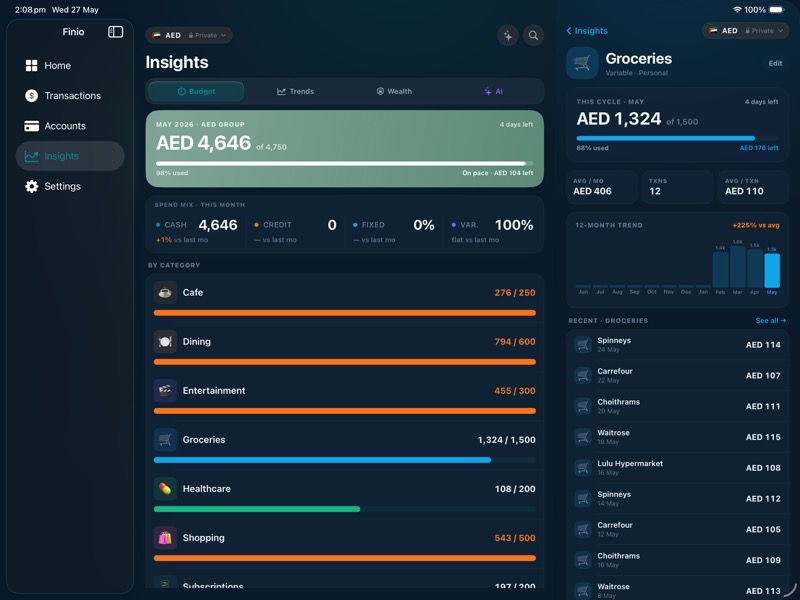
Trends, category mixes, and an AI view — charts and dashboards that show where the money actually goes, computed on-device.
Everywhere you live
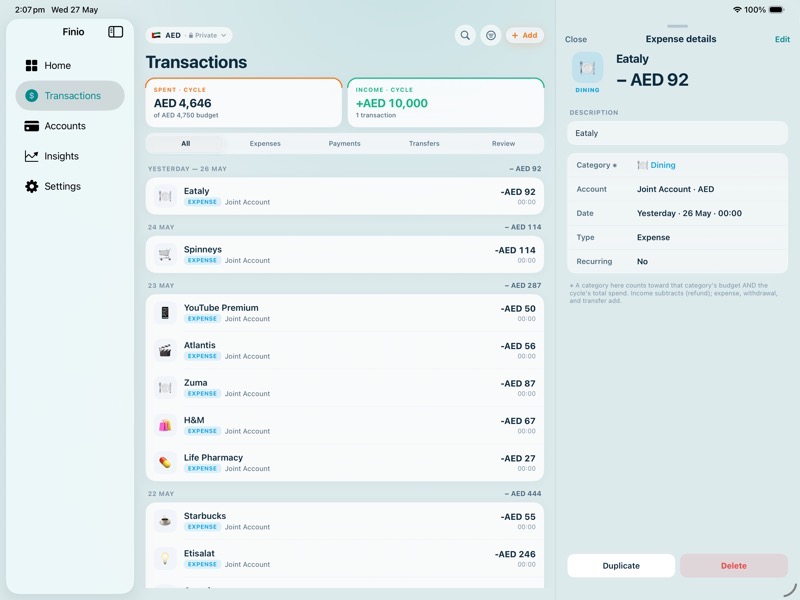
One app, three places. iPad gets a sidebar with inline detail panes; the same iPad app runs on Apple Silicon Macs — no separate build.
A glance at today’s budget. Add an expense or log a withdrawal without opening the app.
Rent, subscriptions, loan payments, the savings transfer that has to happen on payday — set the rule once, Finio posts on schedule.
Convert any credit-card purchase into a 2–24-month payment plan.
Generate a custom icon for any category with Image Playground — same calm look, your specifics.
The principle
See where your money goes — clearly, across currencies, accounts, and the people you share a life with. Finio does the quiet work of keeping track, with good design and a little on-device intelligence, then stays out of your way.
Private by default. Yours, on your device.
No analytics, no third-party trackers, no ads.
Quiet FAQ
It’s in TestFlight now — request access below. A public App Store release (iPhone & iPad) follows later in 2026.
Later in 2026, once the TestFlight build has stabilised and Apple’s review is through. We don’t commit to a month — we ship when it’s ready.
Finio is built natively for iPhone and iPad. The same iPad app runs unchanged on Apple Silicon Macs (“Designed for iPad”). No Android or web client is planned.
Enter transactions by hand, or — on supported iPhones — let them be ingested automatically with Apple Shortcuts and Apple Intelligence. Set it up once. Finio never connects to your bank.
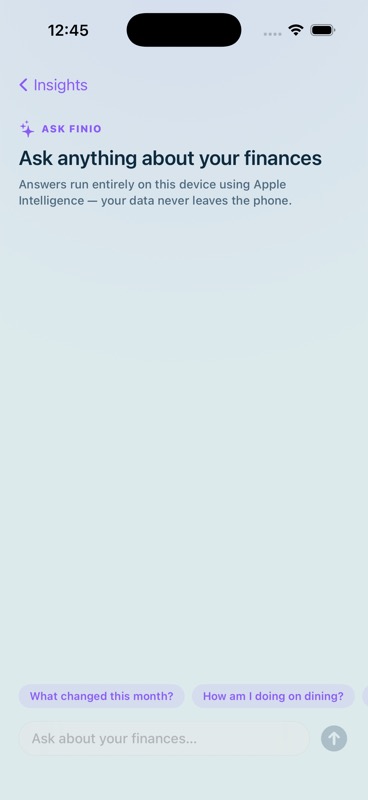
Yes — Ask Finio runs entirely on your device via Apple Intelligence. Requires iOS 26 and a supported iPhone.
Yes, first-class. Accounts group by currency; set a display currency any time and the app re-totals across all of them.
Both. Mark accounts shared, sync with iCloud, tag each expense personal or household — or just use it solo.
A subscription — monthly or annual. No ads, no upsells inside the app.
It lives on your device and in your iCloud. The studio doesn’t see it, and there’s no third-party analytics in the app.
Read Finio's full Data & Privacy policy →
Now in TestFlight
Test the build now. Limited slots — we’ll send an invite within 48 hours.
Or — get a heads-up at App Store launch.